Site Crawler1.0
Publisher Description
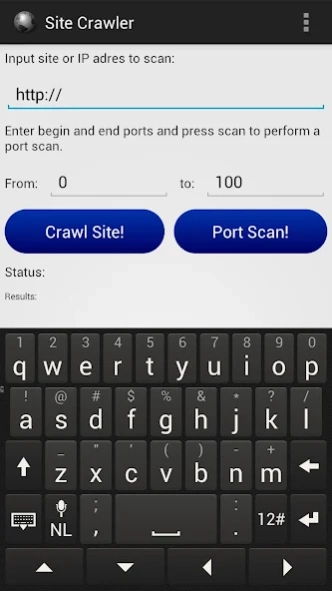
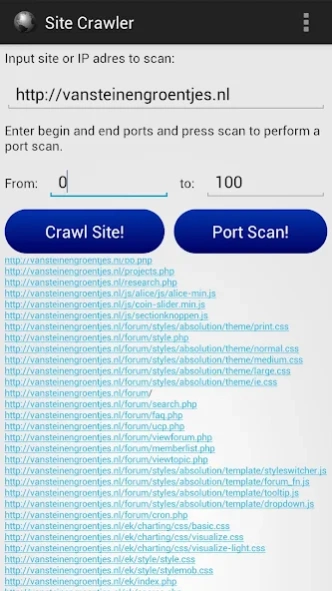
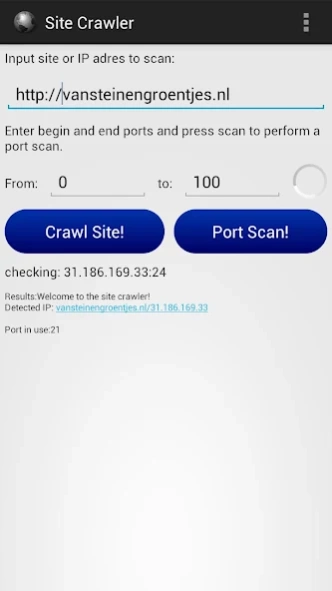
This app gives you all internal links of a given site name.
** Proffesional Site Crawler / Link Extractor app **
This app gives you all internal links of a given site name
including: pictures, video files, script files, styles and much more
Each link is directly clickable so you can view the links found by the app easily.
The Site Crawler app also provides a professional port scanning tool you can use to check which ports are used by an external server.
*NOTE: wifi is preferred when you use the sitecrawler, crawling a site can take some time, especially when the connection is slow.
FEATURES
---------
* NO ADDS
* FAST LINK EXTRACTION
* CLICKABLE links
* FINDING links / directories / other files easily
* FAST PORT SCANNING
* DETECTING vulnerable pages that uses POST/GET
* EASY!
*
About Site Crawler
The company that develops Site Crawler is van Stein en Groentjes. The latest version released by its developer is 1.0.
To install Site Crawler on your Android device, just click the green Continue To App button above to start the installation process. The app is listed on our website since 2012-10-04 and was downloaded 11 times. We have already checked if the download link is safe, however for your own protection we recommend that you scan the downloaded app with your antivirus. Your antivirus may detect the Site Crawler as malware as malware if the download link to com.vansteinengroentjes.apps.sitecrawler is broken.
How to install Site Crawler on your Android device:
- Click on the Continue To App button on our website. This will redirect you to Google Play.
- Once the Site Crawler is shown in the Google Play listing of your Android device, you can start its download and installation. Tap on the Install button located below the search bar and to the right of the app icon.
- A pop-up window with the permissions required by Site Crawler will be shown. Click on Accept to continue the process.
- Site Crawler will be downloaded onto your device, displaying a progress. Once the download completes, the installation will start and you'll get a notification after the installation is finished.
